

Question
Why did I receive this?
Message review
Looks at the claim, sender context, urgency, and requested action
URL-focused review
Usually focuses on the address itself
Available now on the App Store
When a message includes a link, the safest first question is often what the message is asking you to do.
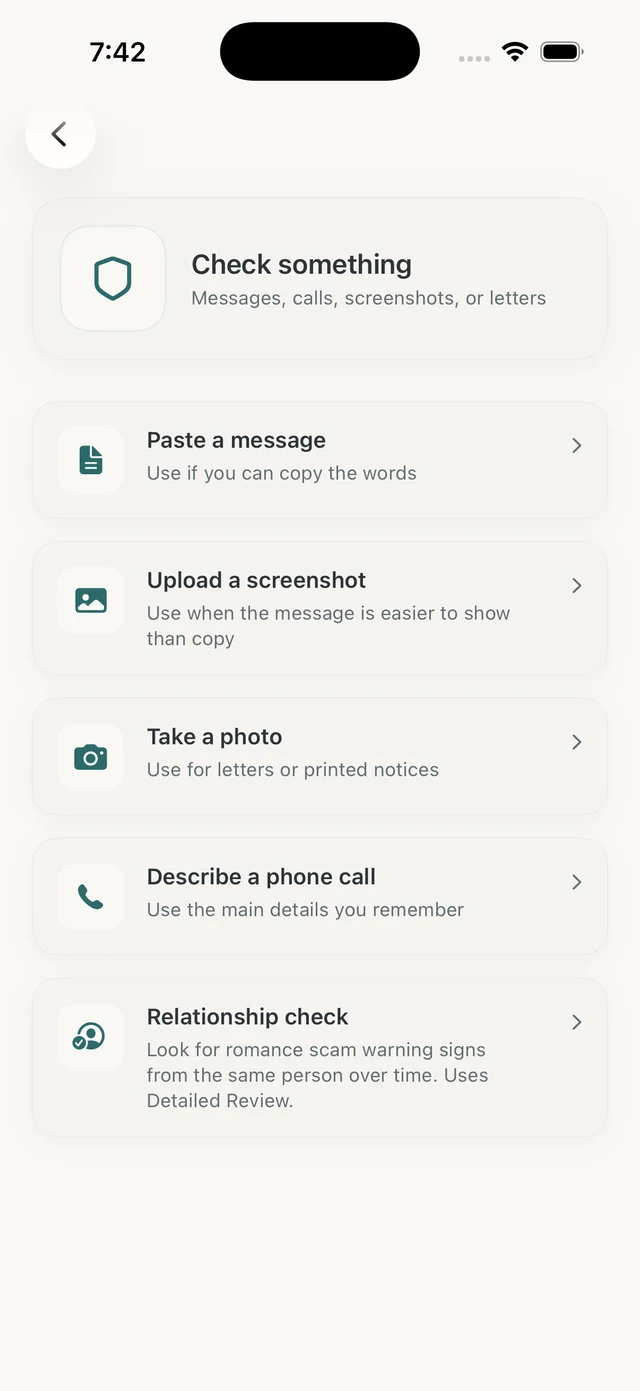
A message review checks the request around a link: sender context, urgency, payment pressure, account warnings, code requests, and sensitive information.
A URL-focused tool can add web-address context, but it does not replace checking whether the message itself deserves trust.
How it helps
A risky message often works by telling a story: a package problem, account lock, toll balance, refund, prize, job, invoice, or urgent family situation. The link is only one part of that story.
Olevo reviews the surrounding message so you can decide whether to avoid the link entirely and verify another way.
A URL-focused tool can sometimes show whether an address is strange, shortened, newly reported, or known for risky behavior. That context can be useful when you can copy the address without opening it.
Still, do not enter passwords, codes, card numbers, or identity details just because a link is not flagged. Use official accounts and trusted contact paths for the final check.
Olevo does not open destination pages, browse websites, or prove a link is safe. It reviews messages, screenshots, photos, and typed call details you provide.
That makes it useful before clicking, especially when the real decision is whether the request should be trusted at all.
Use the message first when the wording creates pressure. Use URL context only as one extra clue, not as permission to enter private information.
Question
Message review
Looks at the claim, sender context, urgency, and requested action
URL-focused review
Usually focuses on the address itself
Question
Message review
May point you to official verification instead
URL-focused review
May show domain or reputation clues
Question
Message review
Detailed Review can handle selected screenshots
URL-focused review
Usually needs the address copied separately
Question
Message review
Still checks pressure and sensitive requests
URL-focused review
A clean result is not a safety guarantee
If the message asks for passwords, codes, money, identity details, or remote access, verify through an official channel you choose yourself.
A shortened or strange URL hides the destination, but the message also creates urgency.
Review the message and use the official app or typed website instead.
The address includes a known brand name but the message asks for a code or payment.
Treat the request as the key warning sign and verify directly.
You cannot safely copy the URL, but the wording is visible.
Review the screenshot context before deciding whether any link matters.
No. The message can still be risky if it pressures you, asks for secrets, or sends you away from an official account path.
No. Olevo reviews the message, screenshot, photo, or call details you provide. It does not open or verify destination websites.
Open the official app or type the real website yourself. If the claim is real, you should usually be able to verify it there.
Close the page. If you entered a password, code, payment information, identity details, or downloaded software, follow the right recovery steps.