

Question
Is the request suspicious?
Message review
Looks at pressure, sender context, payment, codes, and sensitive information
URL-focused review
May not explain why the message is pressuring you
Available now on the App Store
Paste or type an unexpected message so Olevo can check the wording around links, pressure, payment requests, and code requests before you reply.
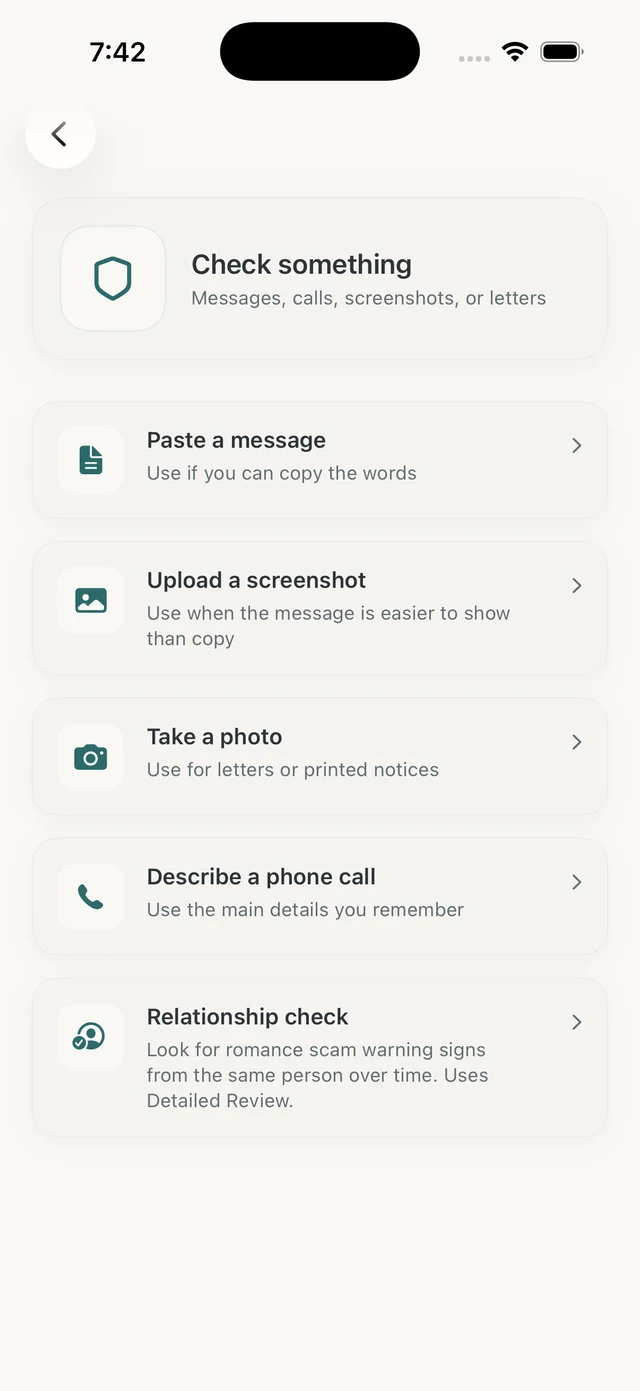
Olevo helps you review suspicious messages before you reply, tap a link, call a number, share a code, or send money.
It focuses on the message context: who contacted you, what they want, how urgent it feels, and whether the request should be verified somewhere else.
How it helps
The message check starts with text you paste or type. You can add who sent it if that context helps, then remove names, codes, account numbers, or other private details before checking.
Olevo reviews the message for common warning signs and returns a result with reasons and next steps. If the message is easier to show than copy, use a screenshot with Detailed Review.
Do not tap an unexpected link or reply yet. Open the official app, website, or number you already trust if you need to verify. Olevo can give a second opinion before you act.
Pasted text can use a Private Check on device. Screenshots and photos use Detailed Review for the image itself.
Many risky texts are built around pressure, not just the link. A message may mention a missed package, frozen account, toll balance, refund, prize, job, marketplace buyer, or family emergency to push a fast response.
Olevo helps separate the claim from the requested action. If the safest answer is to verify somewhere else, the result points you back to an official app, website, card, bill, or trusted contact.
A message and a link answer different questions. Start with the message when the request itself feels pressured or unusual.
Question
Message review
Looks at pressure, sender context, payment, codes, and sensitive information
URL-focused review
May not explain why the message is pressuring you
Question
Message review
Helps decide whether to avoid the link and verify another way
URL-focused review
May inspect URL reputation or structure
Question
Message review
Detailed Review can review the screenshot you choose
URL-focused review
Usually needs the address copied separately
Question
Message review
Points back to official apps, websites, numbers, or trusted contacts
URL-focused review
Still requires separate verification before entering information
Olevo reviews the words and visible context you provide. It does not browse the destination page.
The message says a package cannot be delivered unless you pay a small charge through a link.
Check the retailer or carrier account directly.
The message asks you to answer yes or no, then call a number or share a one-time code.
Open the banking app or call the number on your card.
The message says you can earn money quickly but must pay, deposit, or move funds first.
Pause and verify the employer outside the text thread.
Yes. Paste or type the message into Olevo before clicking, replying, or calling a number from it. Olevo reviews the text, not the page behind the link.
Unexpected links, one-time codes, payment requests, threats, small fees, and urgent account warnings are high-priority signs.
Yes, when your carrier supports it. You can also use your phone's report junk option.
Yes, but you should still verify through the official app or website instead of trusting unexpected links.
No. Remove secrets and full numbers. You can describe that the message asked for a code, password, card, or account detail.