

Message type
Account warning
What to check
Unexpected urgency, lockout threats, unfamiliar links, or code requests
Safer next step
Open the real account page yourself
Available now on the App Store
Paste an email or message, or choose a screenshot, before you use a sign-in link, open an attachment, enter a code, or share payment details.
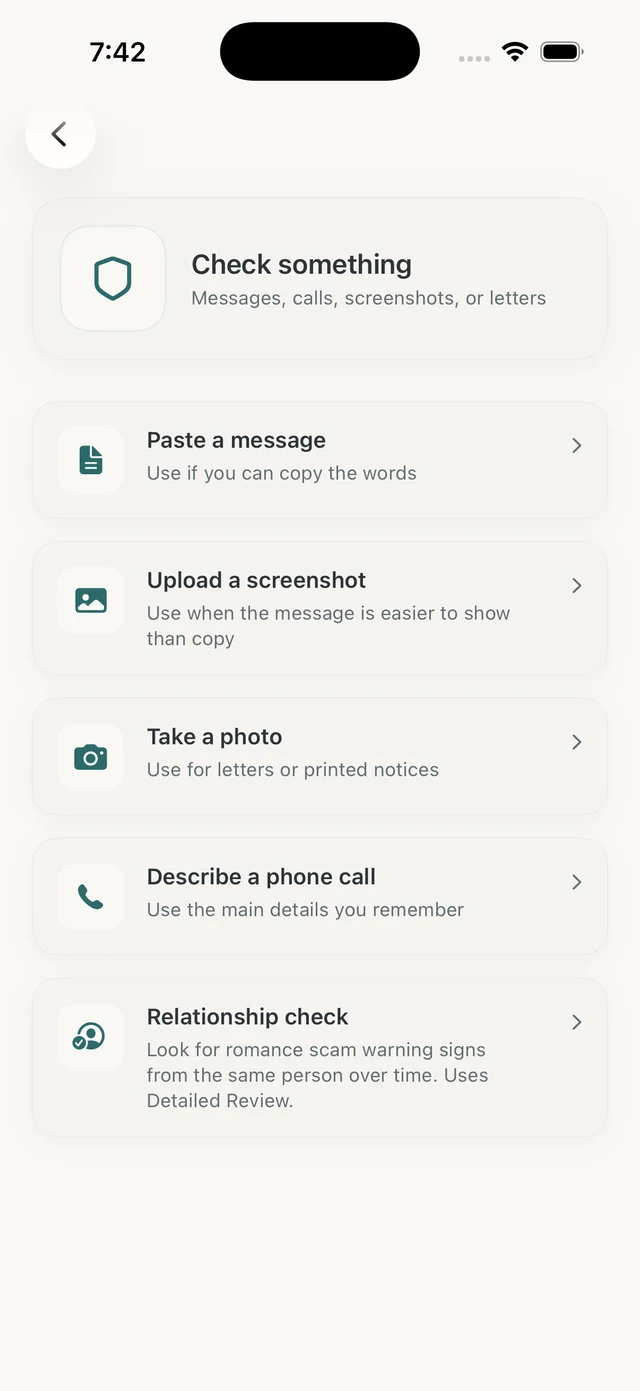
Olevo helps you review suspicious sign-in, invoice, account, and password messages before you use a link or enter private information.
It reviews the message or screenshot you provide and points you back to trusted verification, such as opening the real app or typing the official website yourself.
How it helps
Olevo checks the message text you paste or type, or the screenshot you choose for Detailed Review. It reviews the words you provide and any visible link text, not the destination website.
Use it to review the words around a sign-in link, invoice, account warning, invite, attachment, password request, or one-time-code request before you act.
Open the real website or app yourself. Do not use links from unexpected messages when the page asks for passwords, codes, card details, or remote access.
If you can copy the email or message text, use a Private Check. If you have a screenshot or image, Olevo uses Detailed Review for the image itself.
The safest path should not depend on the link, phone number, QR code, or attachment in the unexpected message.
Include enough wording to show the claim and requested action. You can leave out the actual password, full one-time code, full card number, or identity number.
If the message names Apple, Google, Microsoft, a bank, a delivery company, or a payment platform, verify from that official account page rather than the message link.
A risky sign-in message often combines a familiar brand with a fast request for passwords, codes, payment, or identity details.
Message type
What to check
Unexpected urgency, lockout threats, unfamiliar links, or code requests
Safer next step
Open the real account page yourself
Message type
What to check
Pressure to call a number, pay, cancel, or enter payment details
Safer next step
Check the real platform or payment account
Message type
What to check
Password prompt, attachment pressure, or unfamiliar sender context
Safer next step
Confirm with the sender through a separate channel
Message type
What to check
Hidden destination and request for login or payment
Safer next step
Use the official app or typed website instead
Olevo does not open links or confirm that a destination page is safe.
The message says your account will close unless you sign in from the link.
Open the real account page directly and check alerts there.
The email or screenshot says you will be charged unless you call support right away.
Check the real payment app or platform instead of calling the message number.
The invite asks for email and password before you can view something unexpected.
Verify with the sender through a separate trusted channel.
Yes. Paste or type the email text, or use Detailed Review for a screenshot when copying is hard.
Avoid it. Open the real app or website yourself and sign in there.
No. Olevo reviews the message or screenshot you provide. It does not open links, browse websites, or confirm that a destination page is safe.
Change it immediately from the real site, turn on two-factor authentication, and review account activity.
Yes. Risky sign-in or payment requests can arrive through email, text, social messages, screenshots, QR-code notices, and fake websites.
A real company name does not make the message safe. Open the official app or website yourself and check the account there.