Your question
Does this one message or call have warning signs?
Review path
Private Check or Detailed Review
What to know
Private Check supports pasted text and described calls on device; image review uses Detailed Review
Available now on the App Store
A single message may not tell the whole story. Olevo helps you look for romance scam warning signs across the communication you add from the same person over time.


Why does he need money?
Should I check with someone?
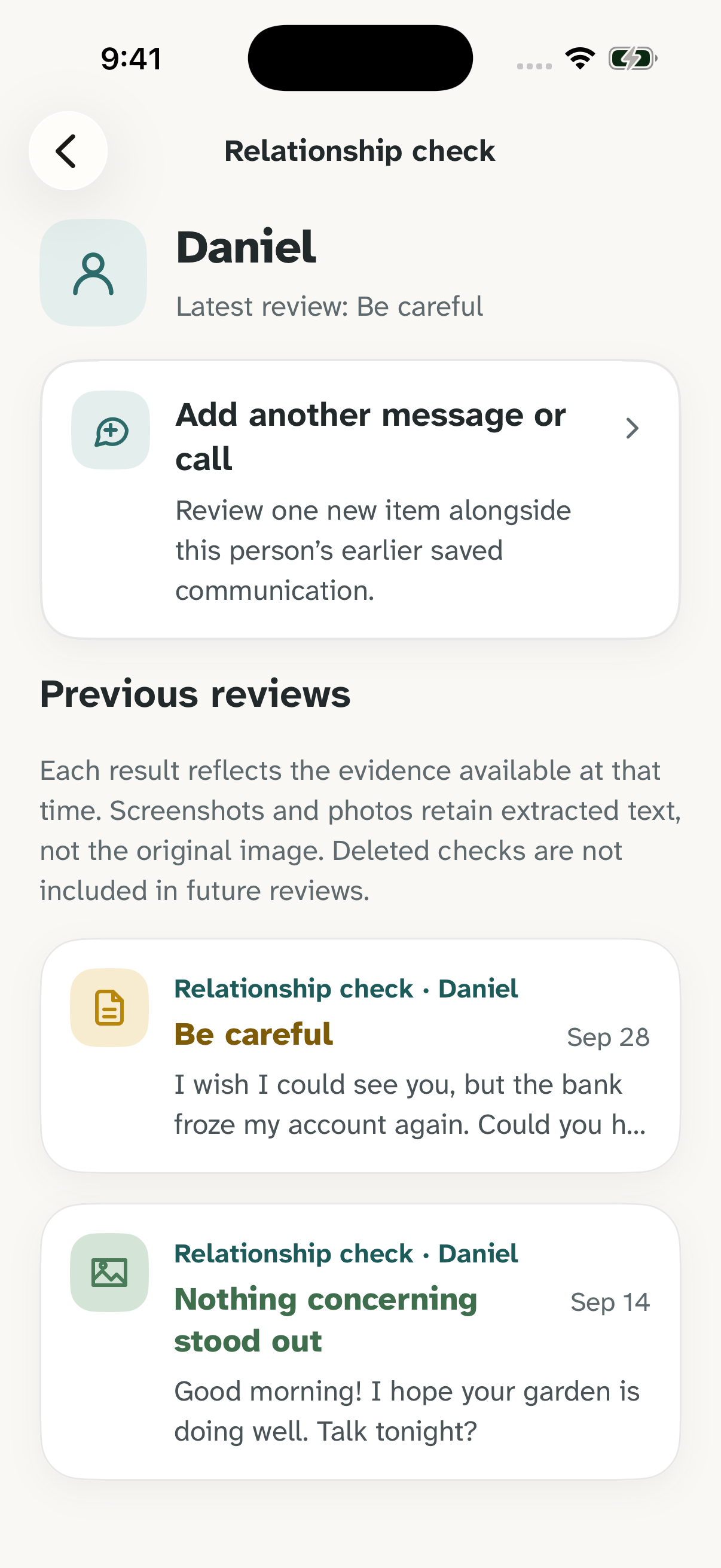
??Relationship checks group communication from one person so a new item can be reviewed alongside earlier saved text. Add pasted messages, screenshots, photos, or described calls as the conversation continues.
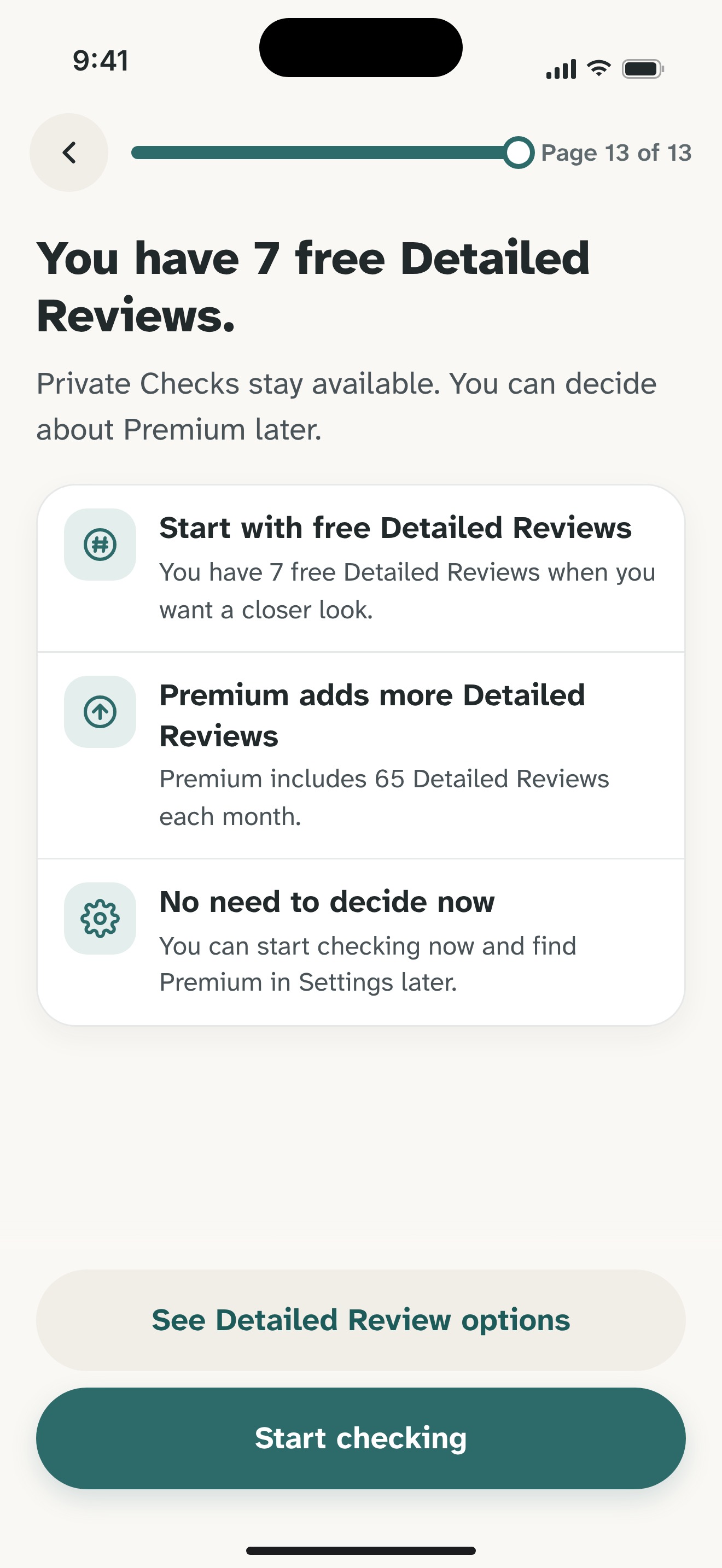
Each new review uses one Detailed Review from your existing free or Premium allowance. Saved history, internet, and Detailed Review consent are required.
Olevo looks for warning signs; it does not verify identity or guarantee that a person is safe. The screenshot shows fictional demonstration content.
How it helps
Open Check something → Relationship check and add a name or nickname. Choose a message, screenshot, photo, or call description to review.
You do not need to gather an entire conversation first. Start with what you have, and add more communication when you hear from that person again.
Open History → Relationship checks, select the person, and choose Add another message or call. Olevo reviews the new item alongside earlier saved text for that person.
Previous results remain available as assessments of the evidence at that time. A friendly new message does not automatically erase earlier concerns. The review screen tells you when the included history is incomplete.
Before the relationship review, the app explains that the new item and earlier saved text for the selected person will be sent to OpenAI. Relationship checks use Detailed Review and do not switch to Private Check offline.
Names and links between checks are stored on your device. Image checks retain extracted text, not the original screenshot or photo. Deleting a check, clearing history, or using 30-day auto-delete removes that evidence from future reviews.
An individual check looks at the item you bring. A Relationship check adds context from the same person’s earlier saved communication.
Your question
Review path
Private Check or Detailed Review
What to know
Private Check supports pasted text and described calls on device; image review uses Detailed Review
Your question
Review path
Relationship check
What to know
Includes earlier saved text and uses one Detailed Review for each new review
Your question
Review path
Independent verification
What to know
Olevo does not verify identity or establish that someone is trustworthy
Relationship checks use the same free or Premium Detailed Review allowance as ordinary Detailed Reviews; no separate relationship plan is required.
You have saved earlier messages. A later message asks you to help with travel costs or an emergency.
Add the new request to that person’s Relationship check so it can be reviewed with the earlier communication.
Some details arrive by message, others in a screenshot or a phone call.
Add each item under the same person. Describe calls in your own words; Olevo does not record them.
A new message sounds friendly, but a previous review raised warning signs.
Review the new message alongside the saved context. Earlier concerns remain relevant; the latest tone alone is not proof of safety.
No. It looks for romance scam warning signs in the communication you provide. It cannot establish who someone is or guarantee that they are safe.
Yes. Open History → Relationship checks, select the person, and add another item. Earlier evidence is included only while it remains in saved history; deleted or auto-deleted items are excluded.
Each new relationship review uses one Detailed Review from your existing allowance. Olevo starts with 7 free Detailed Reviews, and Premium includes 65 each month. There is no separate relationship-check allowance.
No. Relationship checks need internet, saved history, and Detailed Review consent. They do not fall back to Private Check when Detailed Review is unavailable.
No. Saved image checks retain extracted text rather than the original screenshot or photo. Later relationship reviews use that saved text alongside the new item, and the app discloses incomplete history.
Feel sure before you respond.
Download Olevo on iPhone.