Detail
Recruiter
Check independently
Ask the employer to confirm the person through its own contact route
Pause when
The chat is offered as its own proof
Available now on the App Store
An unexpected WhatsApp job offer can leave you weighing an opportunity against a request you cannot yet verify. Start with the employer, the role, and what you are being asked to do.
Free download on iPhone. Optional Premium.


Is this job real?
Should I send my details?
??To check a WhatsApp job offer, find the employer's official careers site or branch contact independently. Ask it to confirm the recruiter, vacancy, and approved application process. Keep identity documents and bank details out of the chat, and do not pay to start tasks or withdraw earnings.
A familiar company name or profile picture does not verify a sender. Some employers use legitimate recruiting texts; check their published practices in your country. Olevo can help review wording on iPhone, but only the employer can confirm its recruiter and opening.
By Olevo · Reviewed
Keep your money and documents private. Find the employer outside the message and verify the role before continuing.
How it helps
Record the claimed employer, recruiter name, and job reference for your own check. Reach the company through its official careers site or a branch contact you find yourself; a link supplied in the chat is not an independent check.
For Randstad USA, published guidance directs candidates to a real branch to confirm both the person and opening. Its legitimate SMS program does not authenticate an individual WhatsApp sender. Practices and reporting routes differ by country.
The FTC's April 2026 warning describes generic recruiter messages that lead to fake checks or deposits for online tasks. Look closely at what changes after the first offer: paying a fee, moving money, buying crypto, or sending identity information.
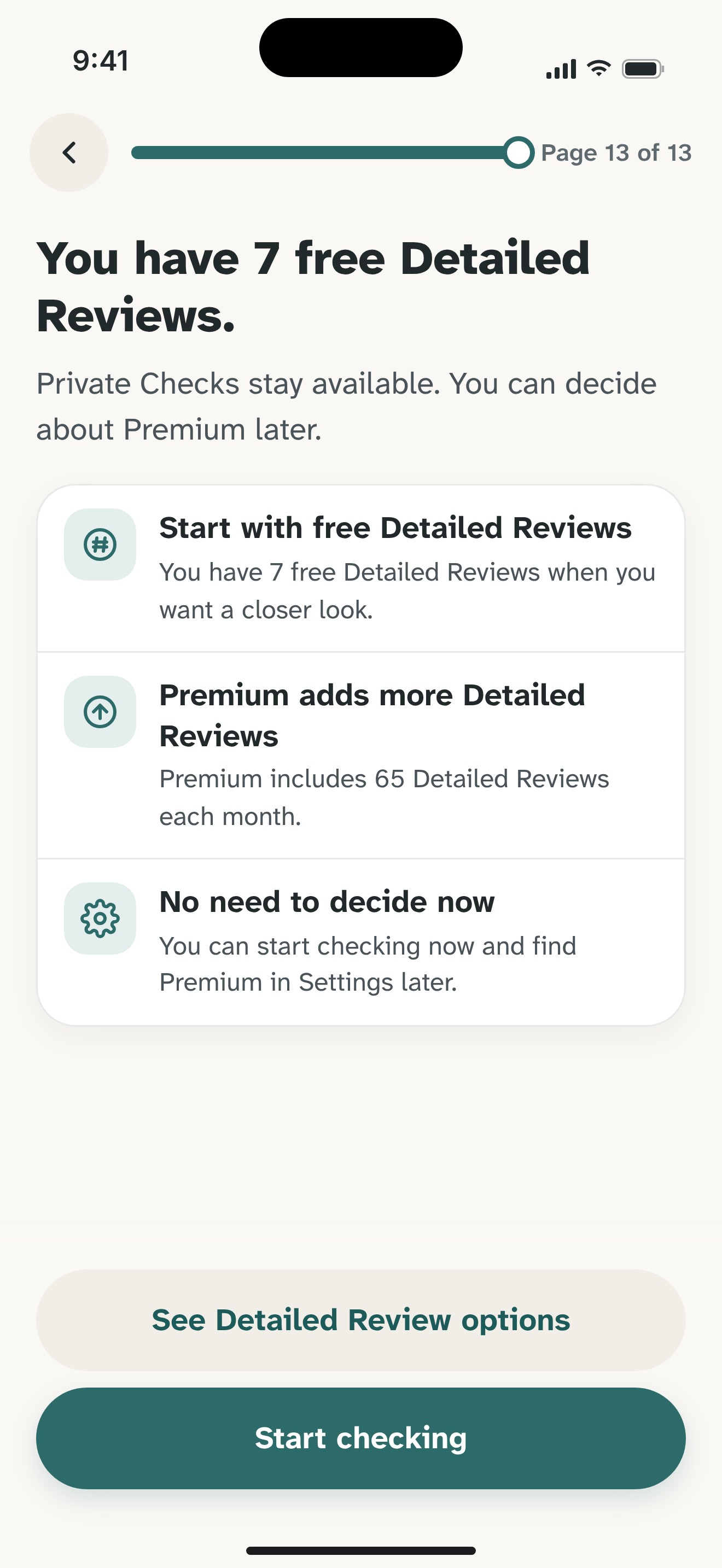
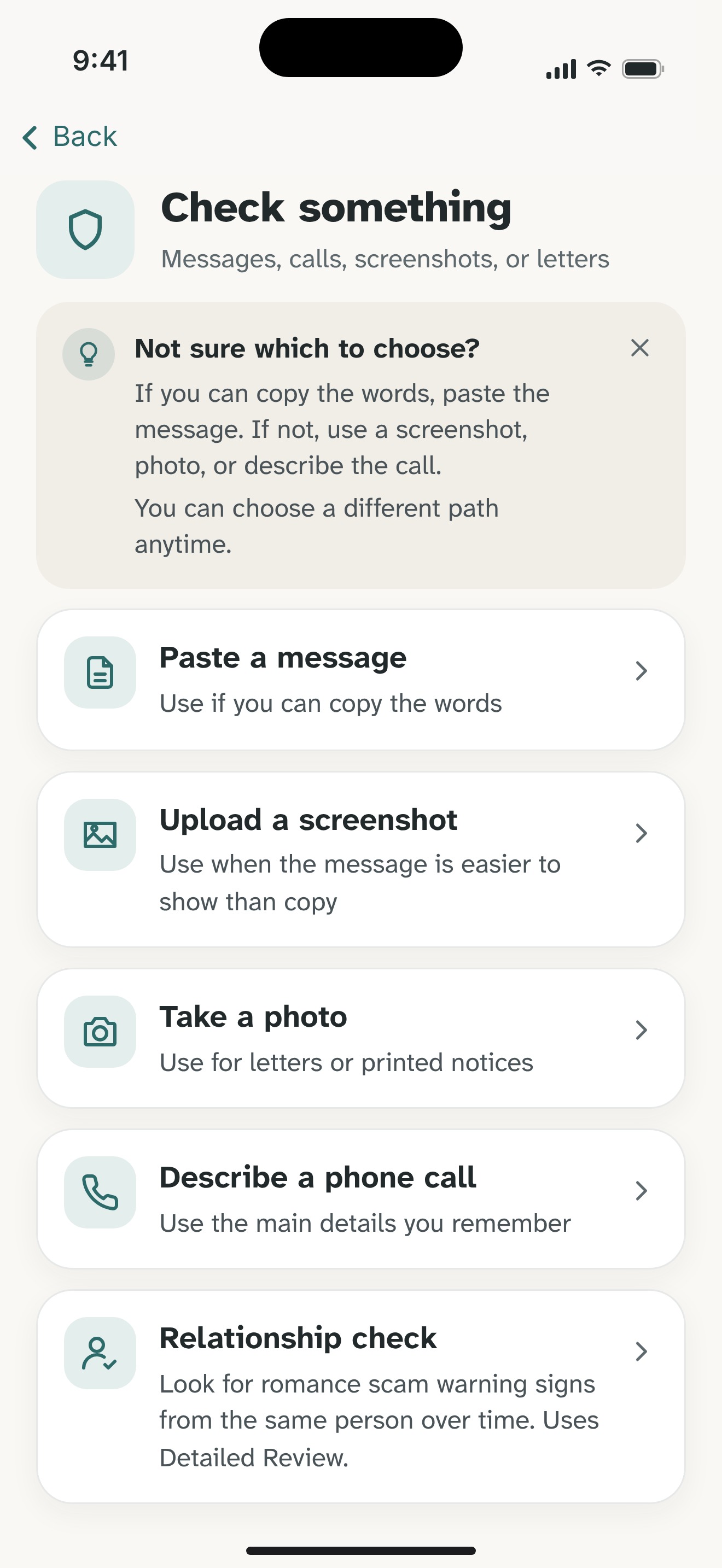
If you would like another reading, paste the request into Olevo with names, contact details, identity numbers, and payment information removed. Supported pasted text can use an on-device Private Check. Screenshots use Detailed Review, which sends chosen content to Olevo's backend and OpenAI after consent.
Use the explanation to prepare questions for the employer. Olevo cannot inspect a recruiter's employment record, confirm a vacancy, browse the advertised site, or guarantee a job is real.
If you already paid, contact your payment provider promptly. If identity information was shared, use the relevant recovery guide below. You do not need to install the app before securing money or accounts.
Keep these questions beside the message. You can use them without installing an app.
Detail
Check independently
Ask the employer to confirm the person through its own contact route
Pause when
The chat is offered as its own proof
Detail
Check independently
Confirm duties, reference, and approved application platform
Pause when
Only easy earnings or vague tasks are described
Detail
Check independently
Ask the verified employer how wages are paid
Pause when
You must deposit funds to start or withdraw
Find the employer's official website or branch independently and ask it to confirm the recruiter, opening, and application process. Do not use the chat's logo or supplied contact as proof. Keep documents and bank details private until the employer and its approved onboarding route have been verified.
Do not send the deposit. The FTC describes task scams that show earnings but require your own money before you can continue or withdraw. A balance on a screen does not verify the employer or payment. If you already sent money, contact the payment provider promptly.
No. Some companies document legitimate recruiting texts; Randstad USA is one example. An individual message still needs independent verification. Check the company's own rules for your country, confirm the recruiter and role, and stop if an unverified chat asks for money or sensitive documents.
Feel sure before you respond.
Download Olevo on iPhone.