Available now on the App Store
A second opinion on a message asking for your code
An unexpected code and a person asking you to share it are different situations. Olevo can help you read the request before you decide how to respond.
Free download on iPhone. Optional Premium.



Why did I get a code?
Should I reply?
??Quick answer
Keep an unexpected account code private and unused. If someone asks you to read it back, send a screenshot, or use it to cancel a payment, end that conversation and check the account through its official app or website.
For a second opinion on the wording, replace the entire code with [code removed] before bringing the message into Olevo. The app reviews warning signs in what you provide; it cannot check the code, identify the sender, or access your account.
By Olevo · Reviewed
Look at the request, one part at a time
- The request asks you to give someone information used for account access.
- The payment story is a claim; the message does not establish that a charge occurred.
- A request to act now leaves less room to check the account independently.
Leave the code unused. Open the service's official app yourself and use its support route if you need help.
How it helps
Built for the moment before you respond
Bring the request, without the code
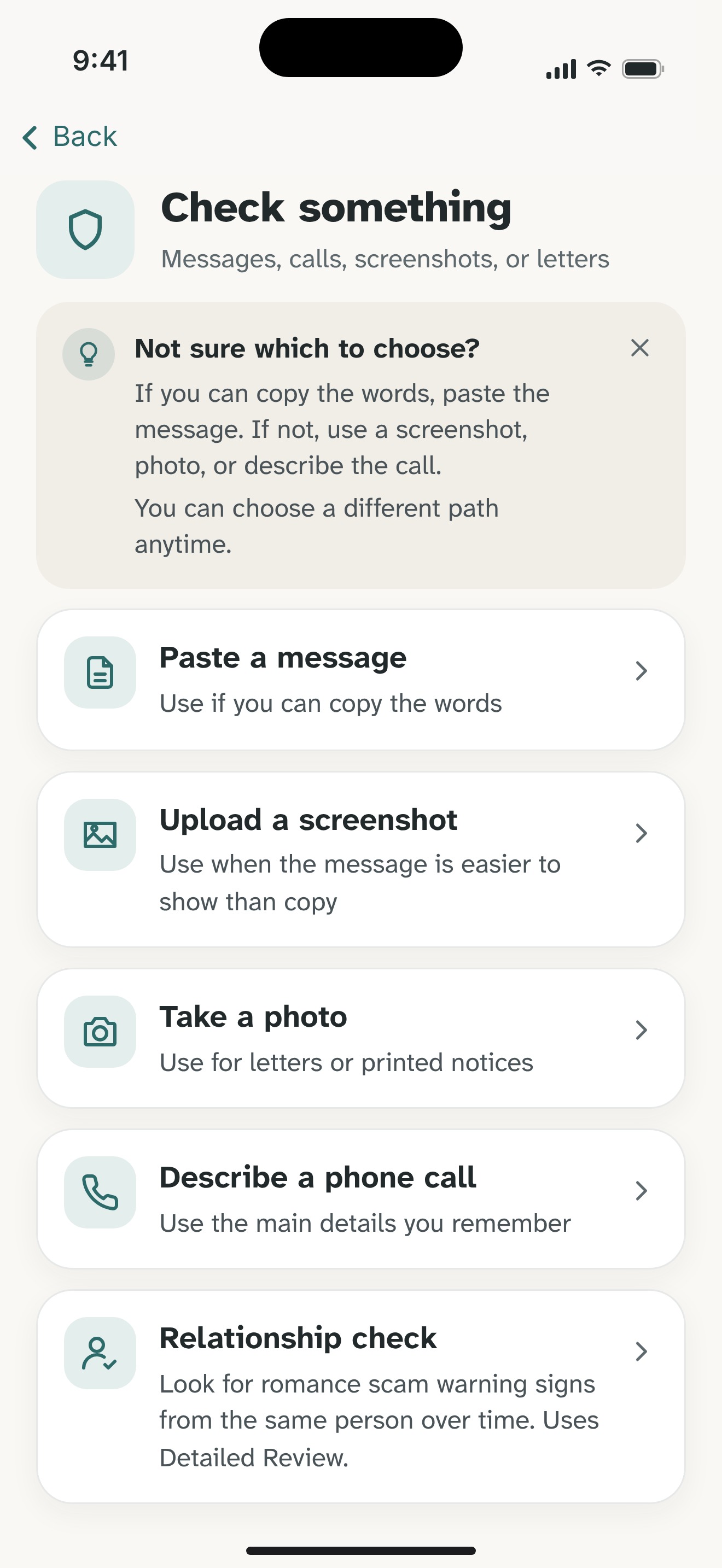
Copy the message into Olevo on iPhone and remove the full verification code, passwords, account numbers, and personal details. Include what the sender wants you to do; the actual code is not needed.
If the request came by phone, describe it in your own words. Olevo does not listen to or record the call.
Choose how to review it
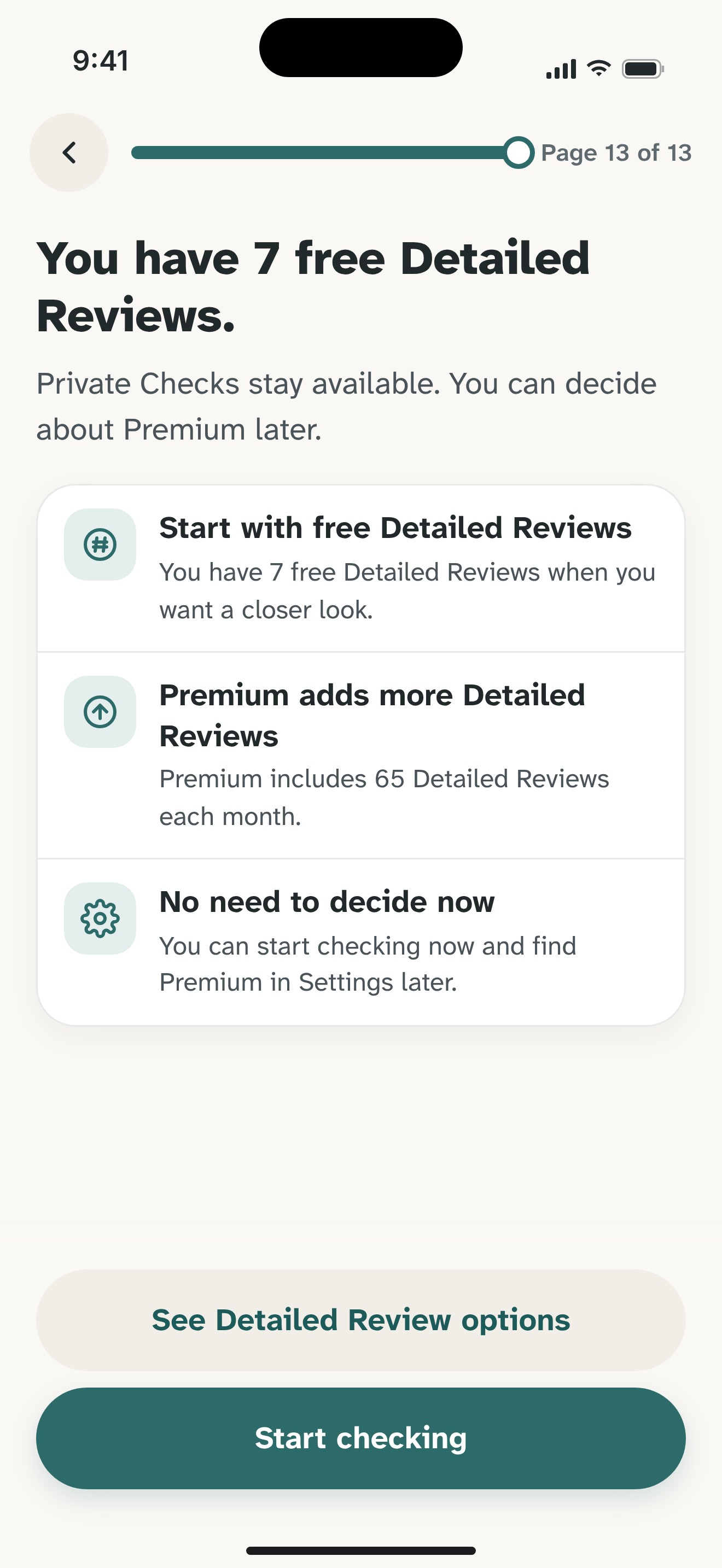
Use a Private Check for supported pasted text or described calls on your device. Choose Detailed Review when you want a closer look or need to review a screenshot or photo.
Detailed Review sends the content you choose to Olevo's backend and OpenAI after the app explains the consent choice. Remove codes and other sensitive details from images before submitting them.
Use the reasons to choose a next step
Read the explanation and suggested checks. Then return to the real provider through an app, saved bookmark, or contact route you choose independently.
Olevo cannot authenticate a message, cancel a payment, or recover an account. If you already shared a code, start the provider's account-recovery steps promptly; you do not need an app review first.
Related guides and product details
Common questions
Should I paste the verification code into Olevo?
No. Replace the whole code with [code removed] before submitting the message. Remove it from screenshots too. Olevo needs the request and its context, not a working code, password, or account number. Keep a code you did not request unused while you check the service independently.
Does an unexpected code mean my account was taken over?
The code alone does not establish that. Different services use codes for different actions, and someone may have entered a number by mistake. Use the guide for the service named in the text, keep the code private, and check your own account through its official app or website.
Can Olevo confirm who sent the message?
No. Olevo reviews warning signs in the text, image, or call details you provide. It cannot establish sender identity, inspect the account, or guarantee that a message is safe. A review can help you understand a request; the service itself remains the place to verify account activity.


Feel sure before you respond.
Ready to check a suspicious message?
Download Olevo on iPhone.
