What happened
You only replied
First step
Stop responding; report and block unwanted contact
An optional review can help with
Recognizing how the next request changes the exchange
Available now on the App Store
An ordinary reply can become a longer conversation. You can pause at any point, especially when a friendly introduction turns into a request for money, account access, or a new investment.
Free download on iPhone. Optional Premium.


Do I know this person?
Why mention investing?
??Some wrong-number texts are simple mistakes. If an unknown sender keeps the exchange going, you do not need to continue out of politeness. A reply alone does not establish that your phone was compromised.
The FTC describes a pattern in which an unexpected text becomes a friendship and then an investment pitch. Look at what the person is asking you to do now. Avoid sending money or using an investment site introduced by the stranger.
Olevo can help you look for warning signs in selected communication. It cannot establish who the sender is, investigate their profile, or verify an investment.
By Olevo · Reviewed
Keep your money and account information out of the conversation. Stop responding, preserve relevant records if needed, and use your phone's reporting and blocking options.
How it helps
Compare the first message with the latest one. Has the sender moved from an apology to personal questions, another messaging app, an emergency, or investing? Record that change in plain words. A polite opening does not settle the safety of a later request.
If you only replied, you can stop there. If you shared a password, a code, or money, choose the relevant recovery steps below. The action you took matters more than trying to give the entire conversation a single label.
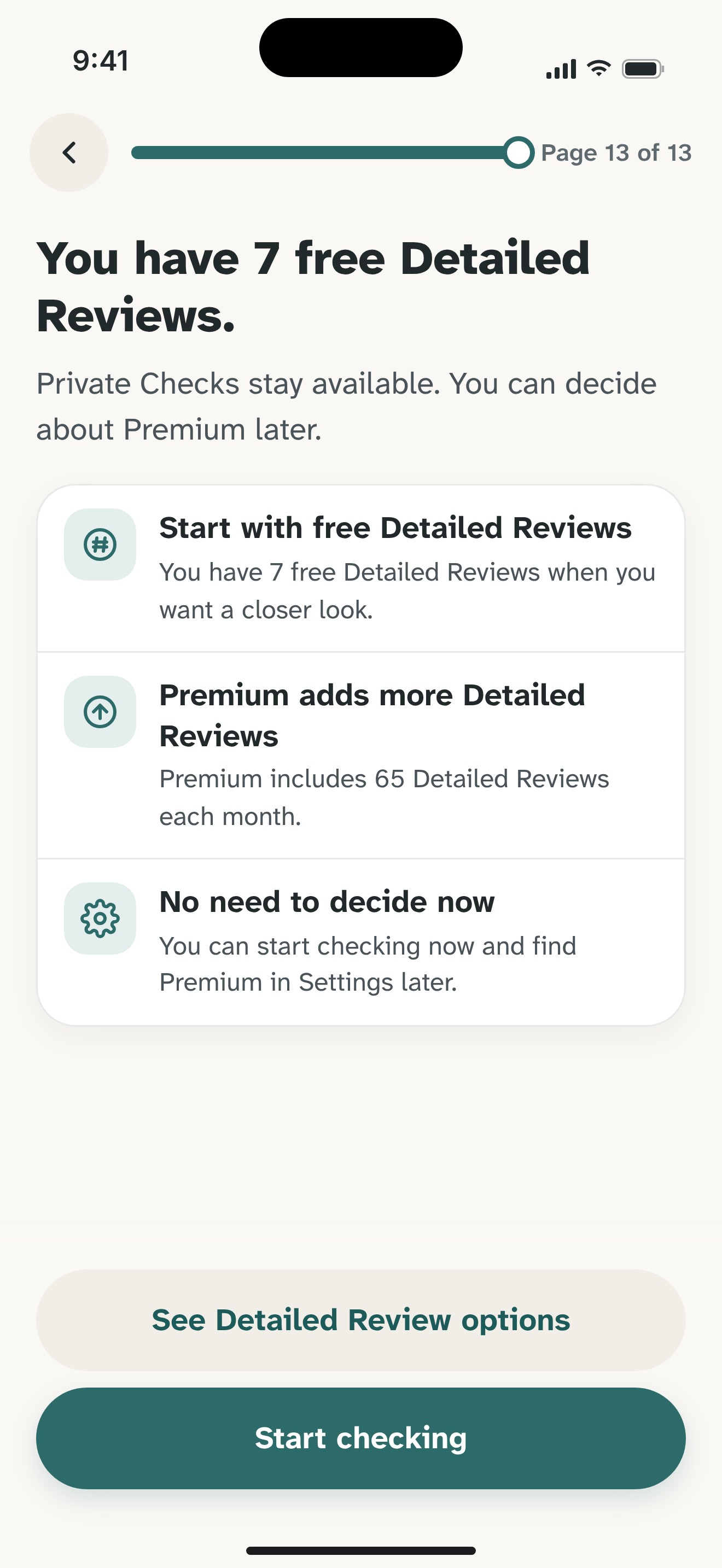
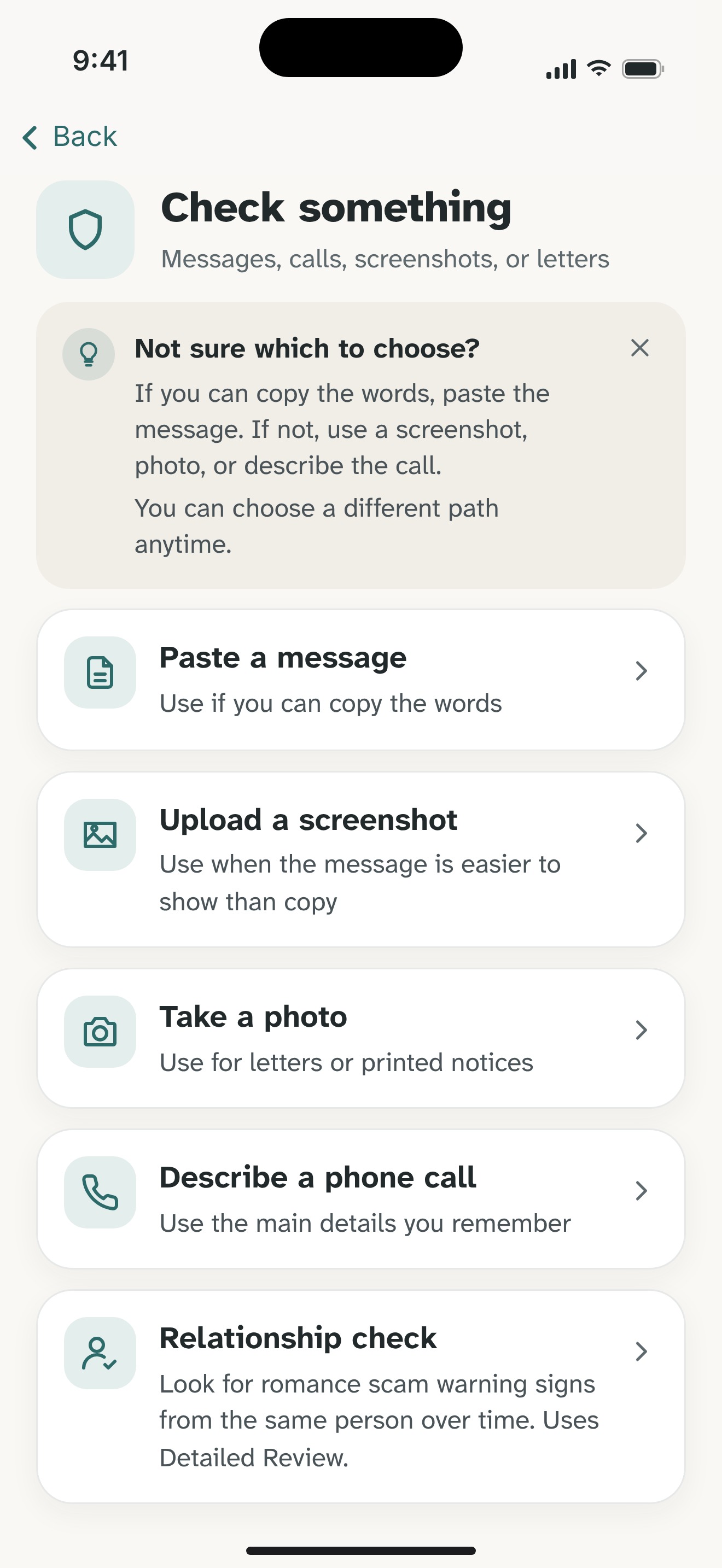
You can paste the opening and the later request into Olevo with a short note explaining the sequence. Remove names, phone numbers, account details, links, and codes. Private Check supports pasted text on your device; image review uses Detailed Review with the app's consent explanation.
For an ongoing romance-related concern, Relationship checks can review a new item alongside that person's earlier saved text. They require saved history, internet, and Detailed Review consent; selected content is sent to OpenAI. They do not verify the person. See the product details below before choosing that route.
Read any explanation as help with your decision, rather than confirmation of the sender's identity. Ask someone you already trust to look at the request with you. Do not keep chatting just to gather material for a review.
If you sent money, contact your bank or payment provider promptly and keep the transaction records. Be cautious of a new contact offering paid recovery. You do not need an Olevo result before seeking help or securing an account.
A brief reply, an exposed password, and a payment call for different next steps.
What happened
First step
Stop responding; report and block unwanted contact
An optional review can help with
Recognizing how the next request changes the exchange
What happened
First step
Secure the account through its real app or recovery process
An optional review can help with
Reading the request after urgent account steps are underway
What happened
First step
Contact the payment provider and preserve records promptly
An optional review can help with
Explaining the wording without promising recovery
A reply alone is not evidence of device or account access. It can show that someone responds at your number. Stop the exchange if it is unwanted. If you also opened a link, installed something, shared a password or code, or paid, take steps for that specific action.
You do not need more conversation to justify stopping. Avoid sending money or private information, and do not use a site the stranger introduces to verify their own claims. Talk with someone you already trust outside the exchange if you would like support.
Relationship checks can include earlier saved text for the same person when you add another message or described call. They require internet, saved history, and Detailed Review consent. They look for warning signs in that communication and cannot verify identity, an investment, or someone's intentions.
Feel sure before you respond.
Download Olevo on iPhone.