Available now on the App Store
Read a payment alert before you call back
A message can name a familiar payment service and still ask you to take an unsafe step. Olevo helps you look at the request while you check the payment separately.
Free download on iPhone. Optional Premium.



Is this really my bank?
Do I have to pay today?
??Quick answer
A text is a claim about a payment, not the transaction record. Leave its link and callback number unused. Open your card issuer's app or use the number printed on your card to check unfamiliar activity.
Olevo can review the alert wording or the call details you describe. It cannot see Wallet, access a bank account, dispute a charge, or confirm that a payment happened. Contact the issuer promptly about unfamiliar account activity; an app review is optional.
By Olevo · Reviewed
Look at the request, one part at a time
- The message supplies the contact route for checking its own claim.
- Moving money is a separate request from reviewing a transaction.
- An urgent payment story does not establish who is asking for access.
Check the transaction with your card issuer through its app or the number on your card. Do not move money on the caller's instructions.
How it helps
Built for the moment before you respond
Check the payment independently
Start with your own payment records. For an Apple Pay concern, open Wallet yourself and ask the card issuer about any unfamiliar transaction; Apple says the issuer has the most accurate record.
Use support reached through the provider's own app or website. Keep the alert's supplied number and link out of that verification step.
Review what you were asked to do
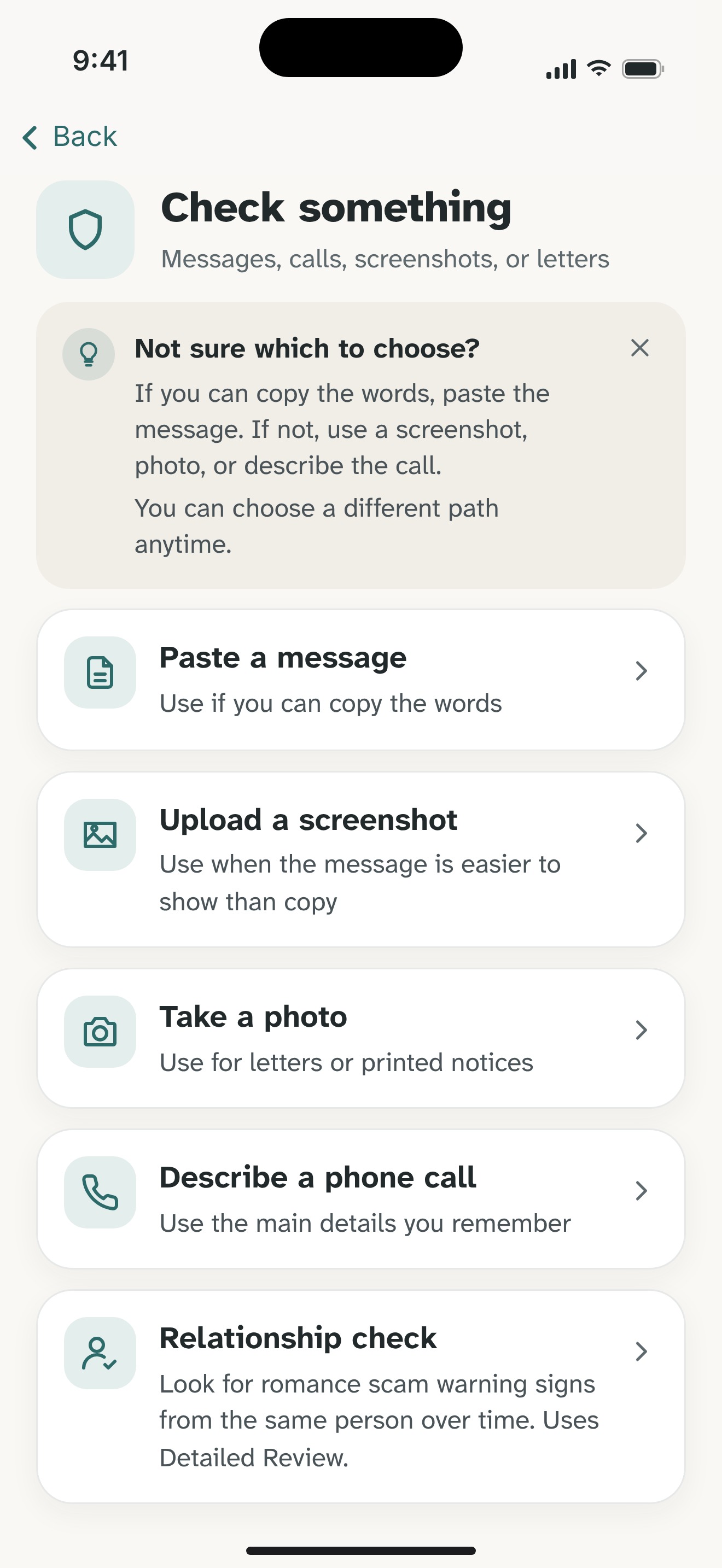
In Olevo, paste the wording or describe the call. Remove full card and account numbers, passwords, codes, and identifying details. A Private Check supports pasted text and described calls on your device.
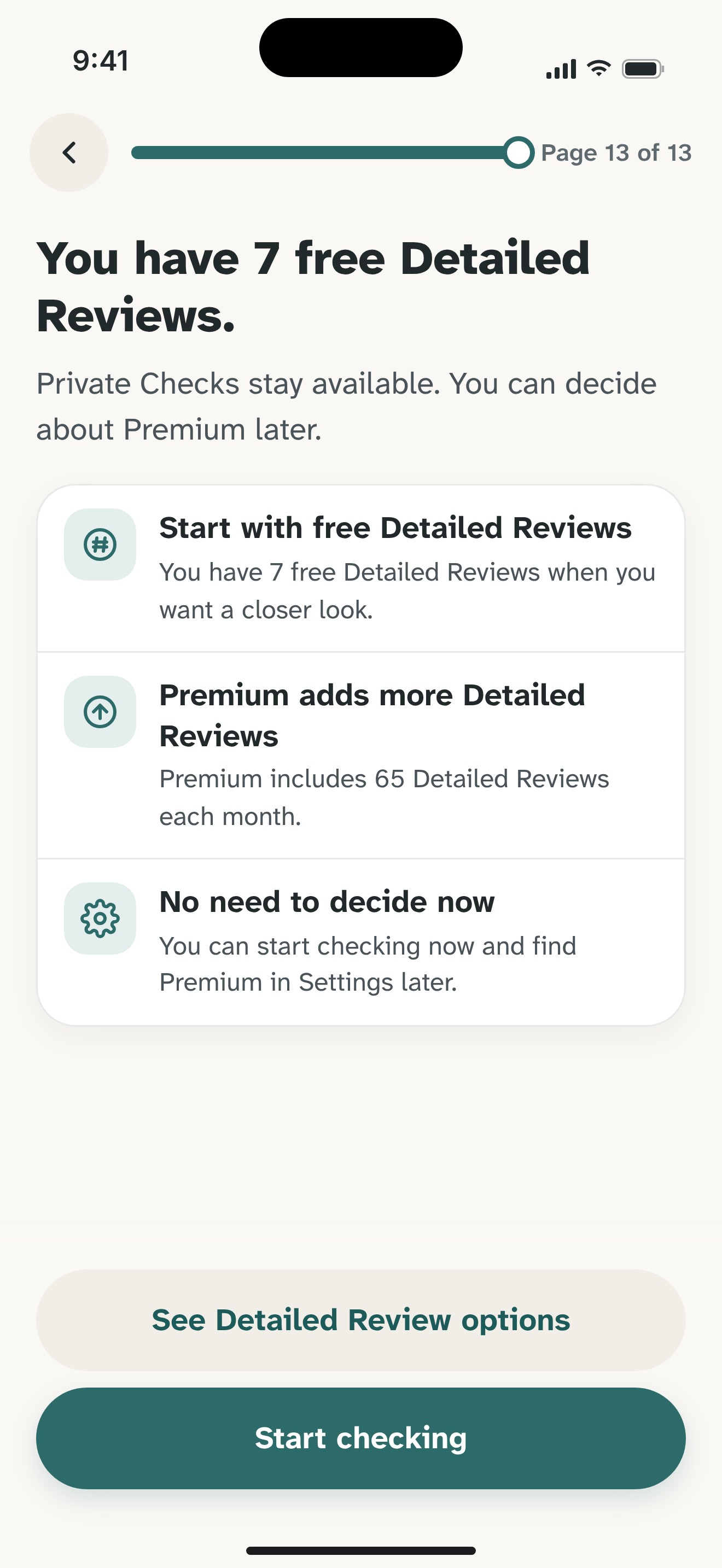
A screenshot or photo uses Detailed Review, which sends the chosen content to Olevo's backend and OpenAI after consent. Redact the image first. No bank login or payment access is needed for a review.
Act on what actually happened
A callback, a shared code, a payment, and installed remote-access software need different follow-up steps. Tell the affected provider what happened and use the relevant recovery guide below.
You can use Olevo to think through the request, but it cannot contact the bank, freeze a card, reverse a transfer, or guarantee a result. Take urgent account concerns directly to the provider.
Sources for the independent checks
Related guides and product details
Common questions
Can Olevo check whether an Apple Pay charge is real?
No. Olevo reviews the wording and context you provide. It does not connect to Wallet, your card issuer, or a payment account. Open Wallet yourself and confirm unfamiliar activity with the issuer through its app or the number on your card, rather than the alert's supplied contact details.
Can I use a screenshot of a payment alert?
Yes, with Detailed Review. Remove full account and card numbers, codes, passwords, and personal details first. The app explains consent before sending chosen content for review. You can instead type the wording and use a Private Check where supported if you prefer to keep that check on your device.
What if I already sent money or shared access?
Contact the affected bank, payment provider, or account service promptly through an independent route and explain what happened. The recovery guides below separate money, code, and remote-access situations. You do not need to install or use Olevo before taking those steps, and recovery cannot be guaranteed.


Feel sure before you respond.
Ready to check a suspicious message?
Download Olevo on iPhone.
