Claim
A plan renewed
Where to check
The provider's official account or subscription record
What the email cannot establish
That a subscription belongs to you
Available now on the App Store
A Geek Squad or McAfee renewal email can look like a receipt. The amount shown is a claim to verify. Keep the charge and the request to call separate while you check.
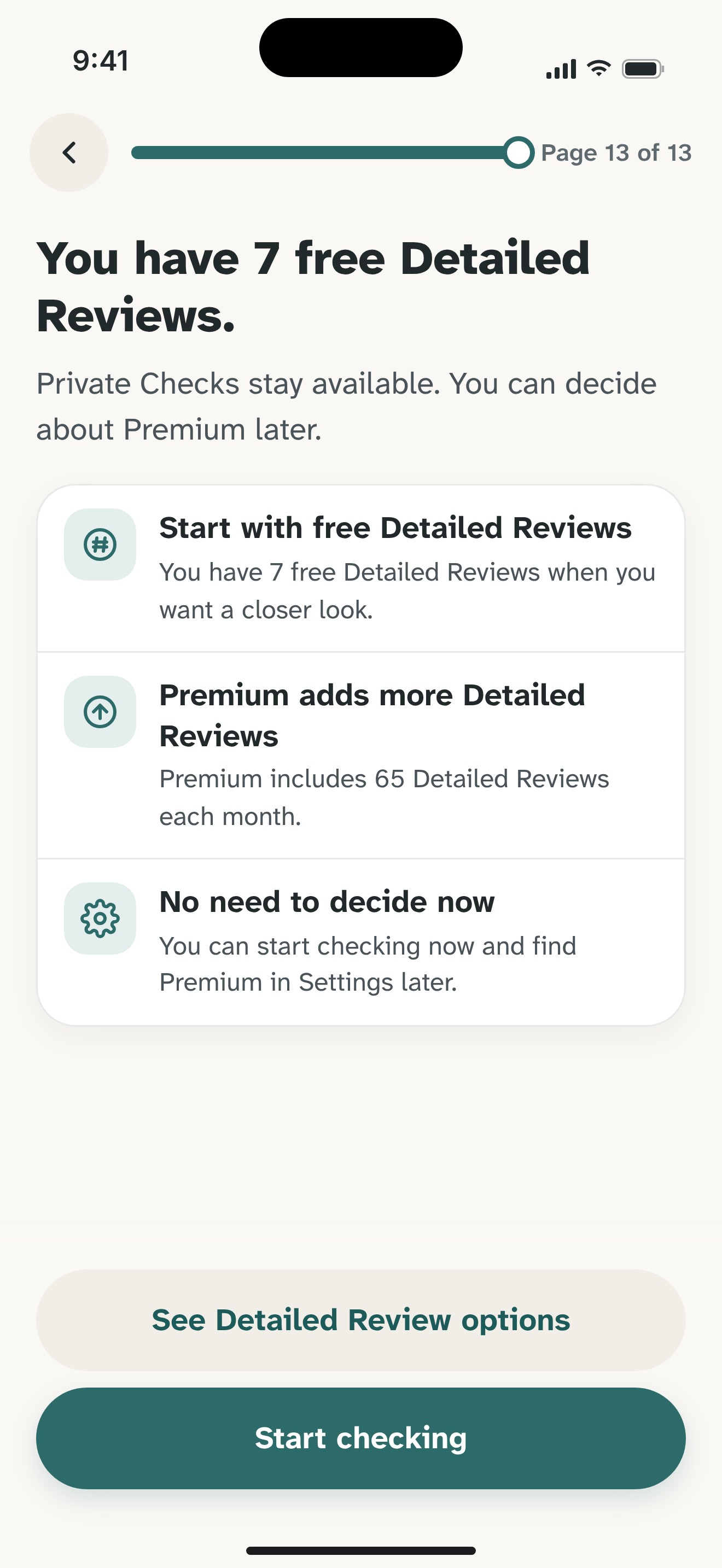
Free download on iPhone. Optional Premium.


Did this renew?
Should I call back?
??If an unexpected renewal email tells you to call a supplied number to cancel or obtain a refund, leave that number unused. Open the company's official account site yourself and check your card statement. A receipt-like email cannot establish whether a real charge or subscription exists.
The FTC documents this callback pattern using Geek Squad's name. Best Buy also publishes impersonation guidance. If you have a real plan, manage it through the verified provider; Olevo can review message wording but cannot cancel a plan, confirm a charge, or issue a refund.
By Olevo · Reviewed
Check the account and payment record independently. Use support reached through the provider's own site, and do not give an unexpected caller access to your device.
How it helps
Look at the account and subscription record reached from the provider's official site, then review your own payment records. If you find unfamiliar activity, ask the card issuer or bank about it through its app or the number on your card.
A real subscription can exist alongside an impersonation attempt. Verify the particular notice and its requested action; do not assume every renewal is fraudulent or that a familiar plan makes an incoming email authentic.
The FTC describes renewal messages that move people into a phone conversation, where requests for remote access or refund payments can follow. Best Buy advises using contact methods found on its own website when checking someone claiming to represent it.
Leave unexpected links and attachments unopened. You do not need to open a PDF to obtain an app review. If the wording is already visible, copy that text or describe the request in your own words.
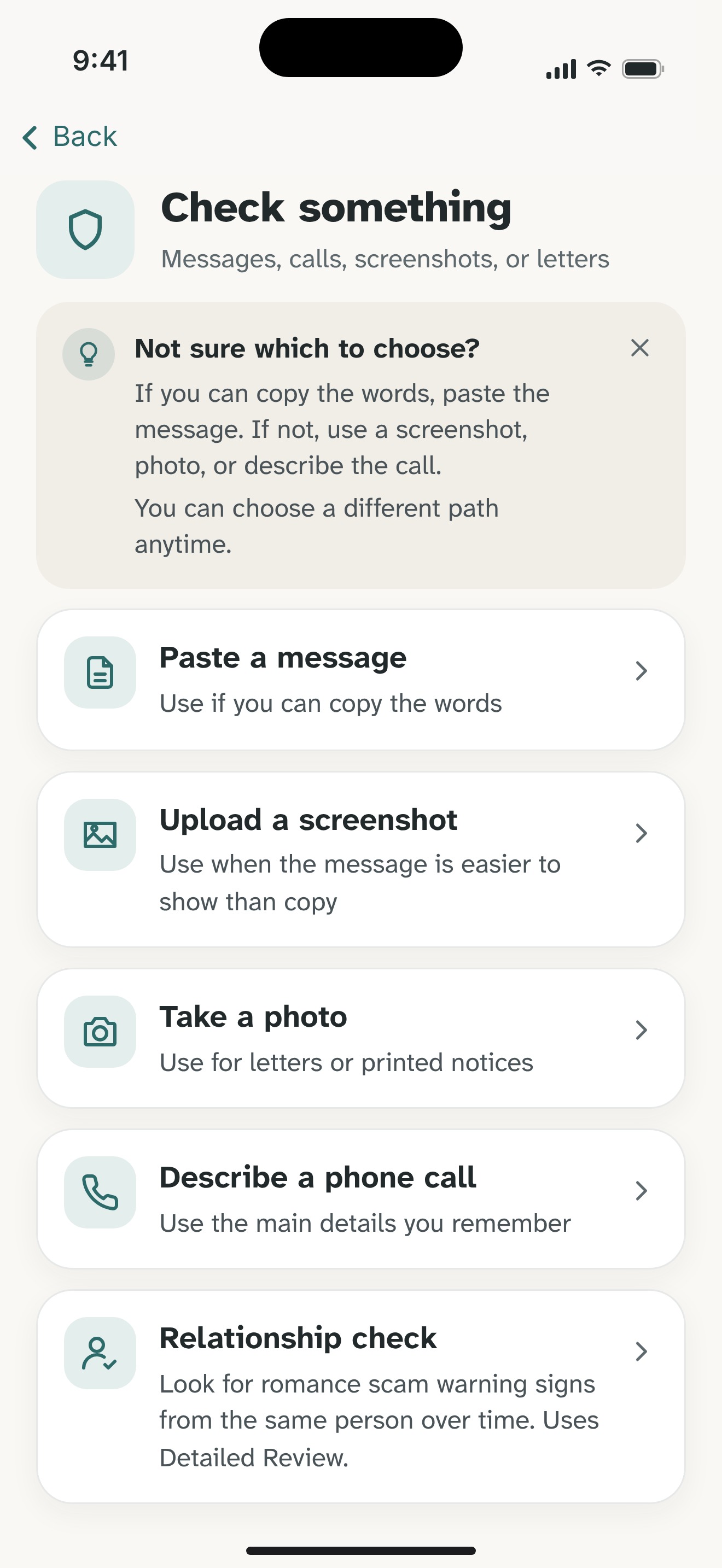
Paste visible wording into Olevo with full account and card numbers, order details that identify you, contact information, and codes removed. Supported pasted text and described calls can use a Private Check on your device.
A redacted screenshot uses Detailed Review and sends chosen content to Olevo's backend and OpenAI after consent. Olevo reviews what you provide; it does not open the email's attachments or links, inspect your device, access billing, or authenticate the sender. If you already gave remote access, use the recovery guide promptly.
Check each claim through a source outside the email.
Claim
Where to check
The provider's official account or subscription record
What the email cannot establish
That a subscription belongs to you
Claim
Where to check
Your bank or card issuer's own records
What the email cannot establish
That an amount on an invoice was actually charged
Claim
Where to check
Support reached through the official provider
What the email cannot establish
That the supplied callback number represents the company
No. The email alone cannot establish a charge or subscription. Open the official Best Buy account site yourself and check your payment records independently. If anything is unfamiliar, contact the provider or card issuer through a route you choose, rather than the notice's supplied phone number.
A real plan does not authenticate a particular email. Confirm the renewal and any cancellation or refund steps through your official account or support reached from Best Buy's own website. Olevo cannot inspect the plan or manage it; its role is an optional review of the request's wording.
No. Leave an unexpected attachment unopened. You can describe the notice or copy wording that is already visible. A redacted screenshot uses Detailed Review after consent; Olevo does not need access to your mailbox, original PDF, bank login, or working account codes to review the request.
Feel sure before you respond.
Download Olevo on iPhone.